Claude Prompts to Help Coaches Run Webinars in 2026
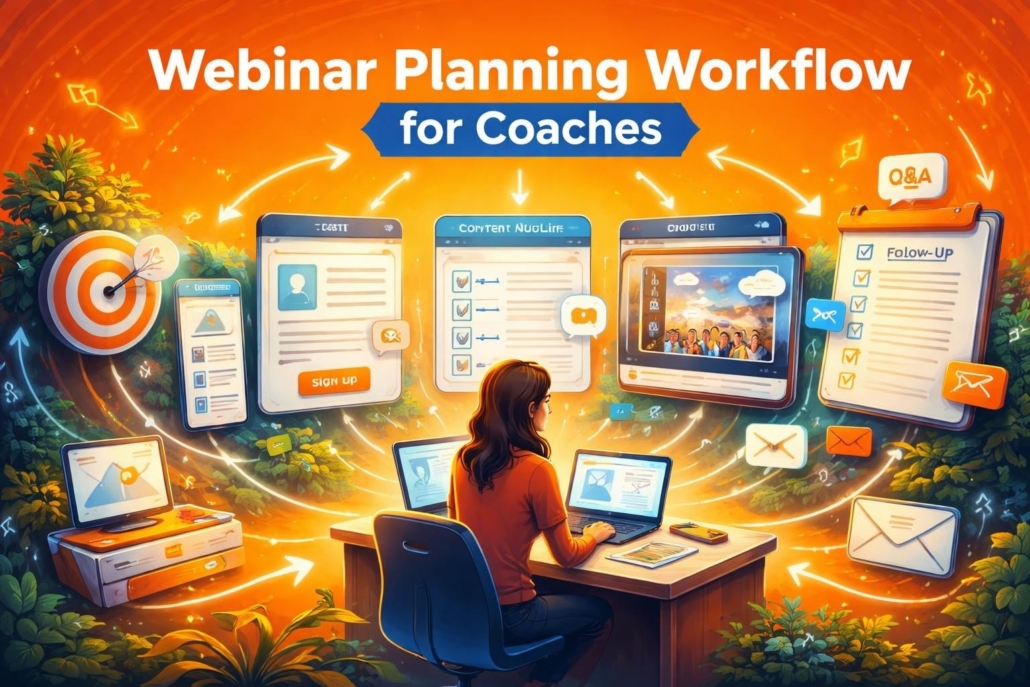
Webinars remain one of the most effective tools for coaches to demonstrate expertise, build trust, and convert prospects into clients. However, planning and executing a compelling webinar requires balancing content quality, audience engagement, and conversion optimization. Artificial intelligence, specifically Claude, has emerged as a powerful assistant for coaches who need to streamline webinar creation without sacrificing quality. Using strategic claude prompts to help coaches run webinars can transform how you approach every stage of the process, from initial concept to post-event follow-up.
Crafting Webinar Topics That Attract Your Ideal Clients
The foundation of any successful webinar starts with a topic that resonates with your target audience’s specific pain points and aspirations. Generic topics produce generic results, while focused, benefit-driven topics drive registrations and engagement.
Identifying High-Value Topics
A well-structured prompt helps Claude analyze your coaching niche and generate topics that align with business outcomes. For example:
Prompt: “I work with mid-market company managers who struggle with accountability and execution. Generate five webinar topics that address common leadership challenges and promise measurable improvements. Each topic should include a clear benefit statement and suggested webinar duration.”
This approach ensures your webinar addresses real problems your audience faces daily. Business coaches frequently use this method to create webinars that speak directly to organizational pain points rather than theoretical frameworks.
- Benefit-focused titles that promise specific outcomes
- Time-bound solutions addressing urgent challenges
- Role-specific content tailored to manager, executive, or team leader needs
- Measurable results that connect to KPIs and ROI
Testing Topic Variations
Claude can also help you A/B test different title formulations to determine which generates higher registration rates. This saves countless hours of manual brainstorming while providing data-driven options.
Building Registration Pages That Convert Browsers Into Attendees
Your registration page serves as the gateway to webinar success. Converting casual browsers into committed attendees requires compelling copy that builds anticipation and demonstrates value. Leveraging claude prompts to help coaches generate leads extends naturally to webinar registration optimization.
Prompt: “Write registration page copy for a 60-minute webinar titled ‘[Your Title].’ The page should include: a headline that creates urgency, three bullet points highlighting what attendees will learn, a brief bio establishing my credibility in corporate coaching, and a clear call-to-action. The audience consists of managers at mid-market companies seeking practical leadership solutions.”
| Registration Element | Purpose | Claude Assistance |
|---|---|---|
| Headline | Capture attention and promise value | Generate 5-10 variations testing different angles |
| Bullet points | Specific learning outcomes | Create benefit-driven statements with measurable results |
| Speaker bio | Establish credibility | Craft concise authority positioning |
| CTA | Drive registration | Test urgency-driven vs. value-driven language |
This structured approach ensures every element of your registration page works together to maximize conversions. For coaches focused on leadership development, positioning the webinar as a solution to specific organizational challenges significantly increases registration rates.
Designing Interactive Content That Maintains Engagement
Maintaining audience attention throughout your webinar requires strategic content structure and planned interaction points. Static presentations lose attention within fifteen minutes, while interactive webinars keep participants engaged and increase conversion rates.
Structuring Your Content Flow
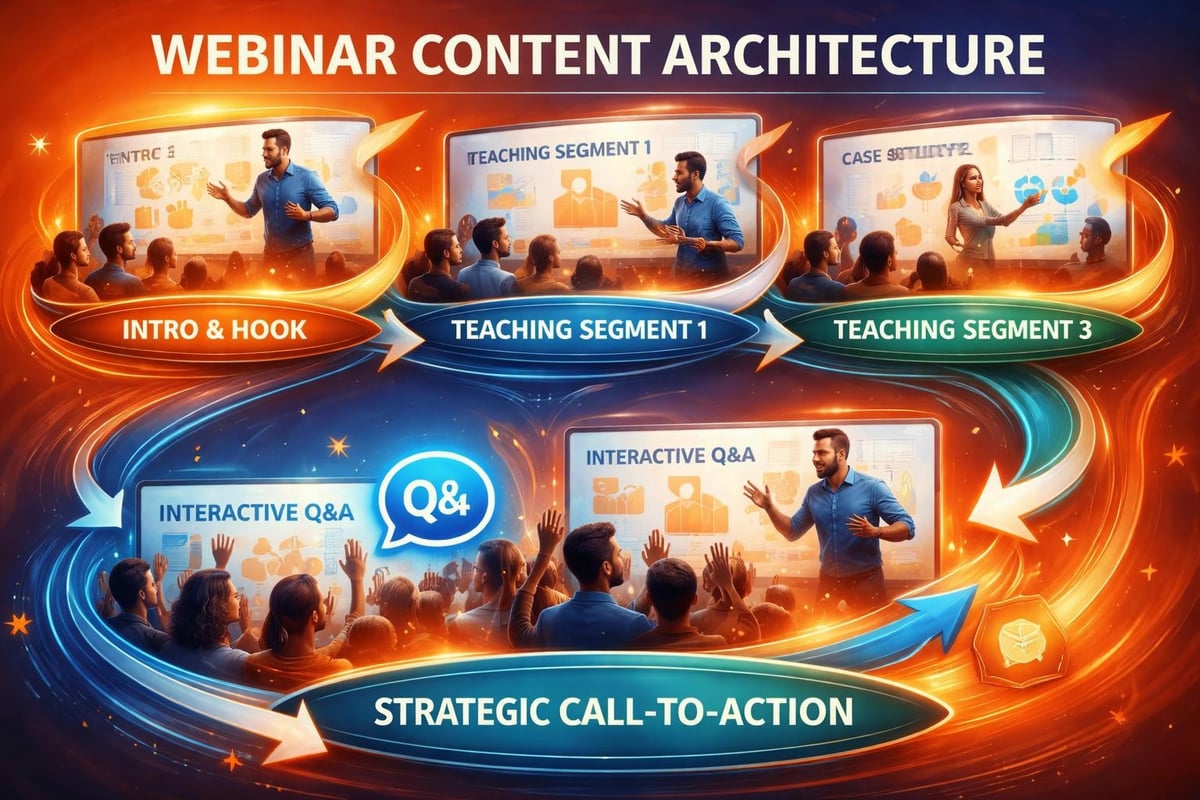
Prompt: “Create a detailed 60-minute webinar outline on ‘[Topic]’ for managers struggling with team accountability. Include: opening hook (3 minutes), problem identification (7 minutes), three main teaching segments with real-world examples (35 minutes total), interactive polls at strategic points, Q&A integration (10 minutes), and closing call-to-action (5 minutes). Each segment should build toward the next logically.”
This framework ensures your content flows naturally while incorporating engagement mechanisms. Creating engaging webinars requires balancing education with interaction, and Claude excels at mapping this balance.
- Opening hooks that establish relevance immediately
- Interactive polls placed every 12-15 minutes
- Case study integration showing real results with measurable outcomes
- Q&A checkpoints that address concerns before they become barriers
Developing Supporting Materials
Claude can generate slide outlines, speaker notes, and handout templates that reinforce your key messages. This ensures consistency across all webinar materials while saving preparation time.
Creating Post-Webinar Follow-Up Sequences
The webinar itself represents just one touchpoint in your client acquisition process. Strategic follow-up transforms interested attendees into paying clients. Using claude prompts to help coaches run webinars extends to nurturing these warm leads effectively.
Prompt: “Develop a five-email follow-up sequence for webinar attendees. Email 1 (immediate): thank you and replay link. Email 2 (day 2): additional resource related to key teaching point. Email 3 (day 4): case study showing results. Email 4 (day 6): addressing common objections. Email 5 (day 9): clear offer with urgency. Each email should be conversational, provide value, and include a soft call-to-action until the final email.”
This systematic approach prevents leads from going cold while building trust through continued value delivery.

Optimizing Promotional Strategies Across Channels
Driving registrations requires multi-channel promotion with consistent messaging adapted to each platform’s unique characteristics. Claude can help develop platform-specific promotional content that maintains brand voice while optimizing for each channel’s best practices.
Social Media Promotion
Prompt: “Create promotional posts for LinkedIn, Facebook, and Twitter announcing my upcoming webinar on ‘[Topic].’ Each post should: highlight a specific pain point the webinar solves, include relevant statistics about the problem, mention one actionable takeaway attendees will learn, and include a registration call-to-action. Adapt tone and length for each platform’s audience.”
For coaches specializing in executive coaching, LinkedIn often delivers the highest-quality registrations when messaging emphasizes business outcomes and ROI.
| Channel | Optimal Post Length | Key Focus | Best Posting Time |
|---|---|---|---|
| 150-200 words | Professional outcomes, data | Tuesday-Thursday, 7-9 AM | |
| 100-150 words | Community building, stories | Wednesday-Friday, 1-3 PM | |
| 120-280 characters | Quick insights, urgency | Monday-Friday, 12-1 PM | |
| 200-300 words | Detailed benefits, exclusivity | Tuesday, 10 AM or Thursday, 2 PM |
Email Campaign Development
Your existing email list represents your warmest audience for webinar promotion. ChatGPT prompts to help coaches automate business processes can be adapted for Claude to generate email campaigns that segment audiences based on previous engagement.
Measuring Success and Iterating for Better Results
Effective webinar strategies require continuous improvement based on performance data. Claude can help analyze results and suggest specific improvements for future webinars.
Prompt: “Based on these webinar metrics (registration rate: 22%, attendance rate: 38%, engagement score: 6.7/10, conversion rate: 12%), identify three specific improvements I should implement for my next webinar. For each improvement, explain the likely impact and provide a concrete implementation strategy.”
This data-driven approach ensures each webinar performs better than the last. Companies working with accountability-focused coaching benefit significantly from tracking these metrics, as demonstrated by organizations like AccountabilityNow that emphasize measurable business results.

Repurposing Webinar Content for Maximum Impact
A single webinar contains multiple content assets waiting to be extracted and repurposed. Using claude prompts to help coaches create content allows you to transform one webinar into weeks of valuable content.
Prompt: “I recorded a 60-minute webinar on ‘[Topic].’ Generate a content repurposing plan that includes: five blog post topics extracted from main teaching points, ten social media posts highlighting key insights, three short video scripts (under 2 minutes each), one comprehensive guide expanding on the webinar content, and five email newsletter topics. Each piece should stand alone while driving interest in the full webinar replay.”
This maximizes the return on your webinar preparation investment while maintaining consistent visibility across channels. The same principles that make chatgpt prompts to help coaches run webinars effective apply equally to content repurposing strategies.
Strategic use of claude prompts to help coaches run webinars transforms a time-intensive process into a streamlined system that delivers consistent results. By applying these prompts across topic selection, registration optimization, content development, follow-up sequences, and performance analysis, you create webinars that educate, engage, and convert. If you’re ready to implement coaching strategies that deliver measurable business results without long-term contracts, Noomii Corporate Coaching offers hands-on support that ties directly to your KPIs and drives visible outcomes for your leadership team.


Leave a Reply
Want to join the discussion?Feel free to contribute!