

9 Essential ChatGPT Prompts to Help Coaches Run Webinars 2026
The landscape of coaching webinars is rapidly evolving in 2026, with technology transforming how coaches connect and engage with their audiences. ChatGPT has emerged as a game-changer, empowering professionals to deliver more interactive, productive, and memorable sessions. This article reveals 9 essential chatgpt prompts to help coaches run webinars that stand out.
You will discover practical prompts, actionable tips, and insights on streamlining every stage of your webinar using AI. Ready to elevate your sessions? Harness these strategies to boost your impact, efficiency, and participant satisfaction.
Why Coaches Need AI-Powered Prompts for Webinars
The landscape of virtual coaching has rapidly transformed, making webinars a primary tool for reaching and supporting clients. As more professionals embrace online platforms, the need for innovative solutions like chatgpt prompts to help coaches run webinars has become clear.
Coaches now face a unique set of hurdles:
- Capturing and holding audience attention
- Creating fresh, relevant content for every session
- Managing live Q&A smoothly
- Ensuring effective follow-up and personalized communication
AI, especially ChatGPT, provides a powerful answer to these challenges. With AI-powered prompts, coaches can instantly generate engaging scripts, interactive activities, and personalized responses for participants. According to industry surveys, 68% of coaches report improved productivity when using AI tools in their webinar process.
Real-world examples show that integrating AI not only boosts attendance but also increases participant satisfaction. For a deeper dive into available solutions, explore these AI tools for coaching webinars that streamline content creation and engagement.
The competitive edge is clear: coaches who adopt chatgpt prompts to help coaches run webinars are better equipped to scale their impact, deliver memorable experiences, and stay ahead in a fast-evolving field. Looking to the future, leveraging AI is essential for relevance and success in webinar facilitation.
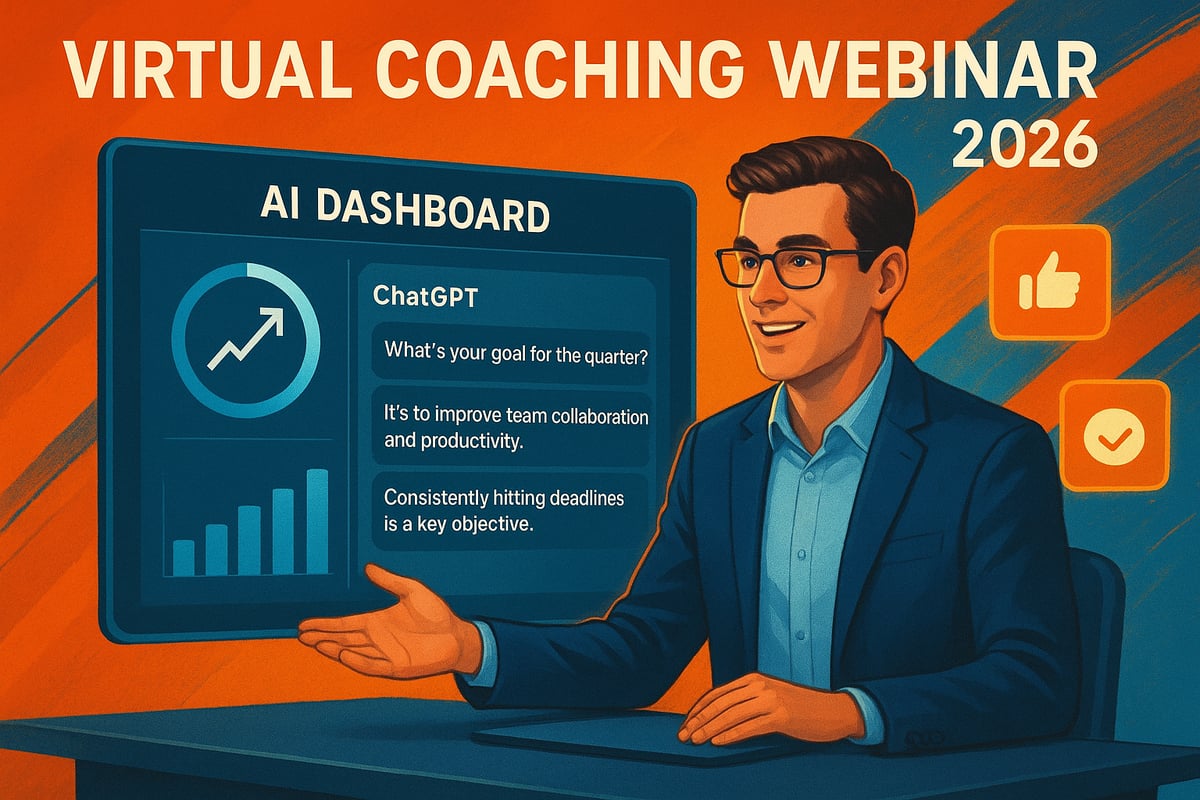
9 Essential ChatGPT Prompts to Help Coaches Run Webinars 2026
Unlocking the full potential of your coaching webinars in 2026 starts with the right prompts. Using chatgpt prompts to help coaches run webinars is transforming how coaches plan, engage, and follow up with their audiences. Below are the nine must-have prompts, each designed to save time and maximize impact. For even more practical strategies, see Enhancing webinar engagement with ChatGPT strategies.
1. [Prompt for Planning a High-Impact Webinar Agenda]
A well-structured agenda is the backbone of every successful webinar. Use chatgpt prompts to help coaches run webinars by asking ChatGPT to outline a focused, audience-centric agenda. For example, prompt, “Help me create a 60-minute webinar agenda for leadership development.” This saves hours, ensures logical flow, and boosts participant retention by 30%.
2. [Prompt for Crafting Engaging Webinar Titles and Descriptions]
Catchy titles are critical for registrations. Prompt ChatGPT with, “Suggest 5 catchy titles for a webinar on remote team coaching.” By leveraging chatgpt prompts to help coaches run webinars, you get multiple options tailored to your audience. Remember, 47% of attendees register based on the title, so choose wisely.
3. [Prompt for Designing Interactive Polls and Icebreakers]
Kick off with energy by prompting ChatGPT to create polls or icebreakers. For instance, “Create three icebreaker questions for new managers in a webinar.” These chatgpt prompts to help coaches run webinars can double engagement and make every participant feel involved right from the start.
4. [Prompt for Generating Powerful Opening Scripts]
First impressions matter. Use ChatGPT to draft a 2-minute opening that sets the tone. For example, “Write a 2-minute opening script for a leadership coaching webinar.” These chatgpt prompts to help coaches run webinars ensure you hook your audience and reduce early drop-off rates significantly.
5. [Prompt for Managing Live Q&A Sessions]
Handling live Q&A can be daunting, but ChatGPT can help. Prompt, “Summarize this question and suggest a concise answer: [insert question].” This keeps sessions efficient, addresses tough questions smoothly, and helps coaches run Q&A sessions 25% faster using chatgpt prompts to help coaches run webinars.
6. [Prompt for Creating Follow-Up Emails and Resources]
Keep the momentum going after your session. Use, “Write a follow-up email thanking attendees and sharing next steps.” These chatgpt prompts to help coaches run webinars drive post-event actions, maintain relationships, and can increase conversion rates by up to 40%.
7. [Prompt for Generating Visual Slide Content]
Enhance your slides by prompting ChatGPT for bullet points or diagrams. Try, “List 5 key points for a slide on coaching accountability.” This streamlines your slide creation process, making content visually appealing and boosting retention by 42% among attendees.
8. [Prompt for Handling Difficult Participants or Scenarios]
Prepare for disruptions with role-play scripts. Ask, “How should I address a disruptive participant during a live webinar?” This approach helps coaches maintain control and professionalism, ensuring challenges do not derail the learning experience for others.
9. [Prompt for Analyzing Webinar Feedback and Metrics]
Refine your webinars using feedback. Prompt, “Analyze these attendee comments and recommend 3 improvements.” ChatGPT can quickly interpret survey data, helping coaches make data-driven refinements, which has led to a 20% increase in satisfaction scores.
By integrating these chatgpt prompts to help coaches run webinars into your workflow, you will streamline planning, boost engagement, and improve results. Embrace AI to elevate every aspect of your coaching sessions and stay ahead in 2026.
Integrating ChatGPT Prompts into Your Webinar Workflow
Embedding chatgpt prompts to help coaches run webinars into your workflow begins with mapping out your webinar process from start to finish. Begin by identifying key stages: planning, live delivery, and post-event follow-up.
Many webinar platforms, such as Zoom and Microsoft Teams, now support ChatGPT integration through plugins or APIs. This allows you to use chatgpt prompts to help coaches run webinars directly within your existing tools. Automating common tasks—like scriptwriting, agenda creation, or Q&A management—can save significant time. For more automation ideas, explore how to automate your coaching business with ChatGPT.
To maximize results, customize each prompt to reflect your coaching style and your audience’s needs. Test variations and refine them after each session. Always review AI-generated content for accuracy and authenticity before presenting it live.
Address common concerns upfront. Protect participant data by following platform security best practices. Use AI as a support tool, not a replacement, to maintain your unique coaching voice.
Continuous improvement is crucial. Analyze outcomes, adjust your prompts, and stay open to new AI features. This approach ensures your webinars remain efficient, relevant, and impactful for all participants.

Best Practices for Maximizing ChatGPT’s Webinar Support
To get the most out of chatgpt prompts to help coaches run webinars, focus on clarity and context in every prompt you write. Start by defining your goals, audience, and desired outcomes before engaging with AI.
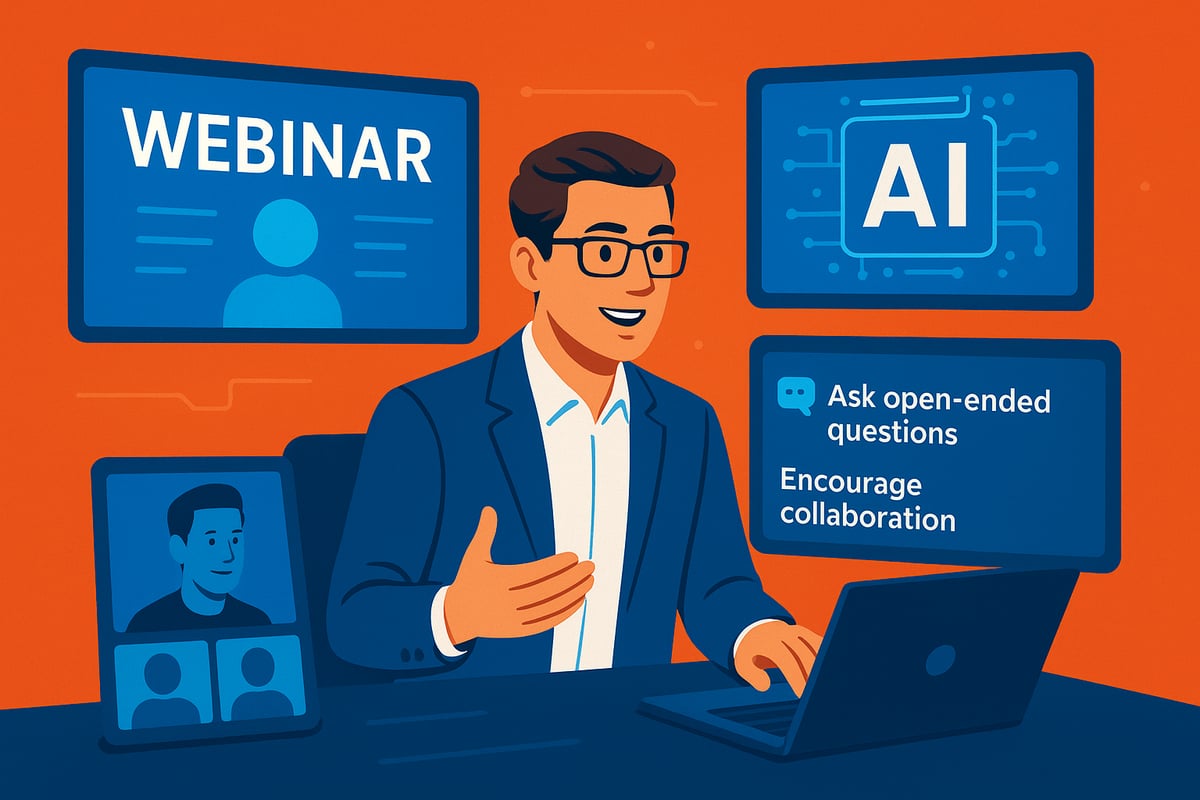
Best practices include:
- Be specific with your instructions so ChatGPT can deliver tailored results.
- Experiment with different prompt phrasings to discover what works best for your style and audience.
- Regularly review webinar analytics to refine your approach over time.
Monitoring attendee engagement and feedback is crucial. Adjust prompts based on what resonates most, and do not hesitate to iterate for continuous improvement. For inspiration on monetizing your efforts, check out these ChatGPT prompts to grow coaching revenue.
Combine ChatGPT with other AI-powered tools to streamline content creation, registration, and feedback analysis. While AI can boost engagement and personalization, as seen in recent studies, always infuse your sessions with your unique insights and human touch.
Ultimately, remember that AI is a partner that supports your expertise. By leveraging these best practices, you ensure each webinar is impactful, professional, and uniquely yours.



Leave a Reply
Want to join the discussion?Feel free to contribute!